Update Entity
Update an entity in an Azure Table.
Example 
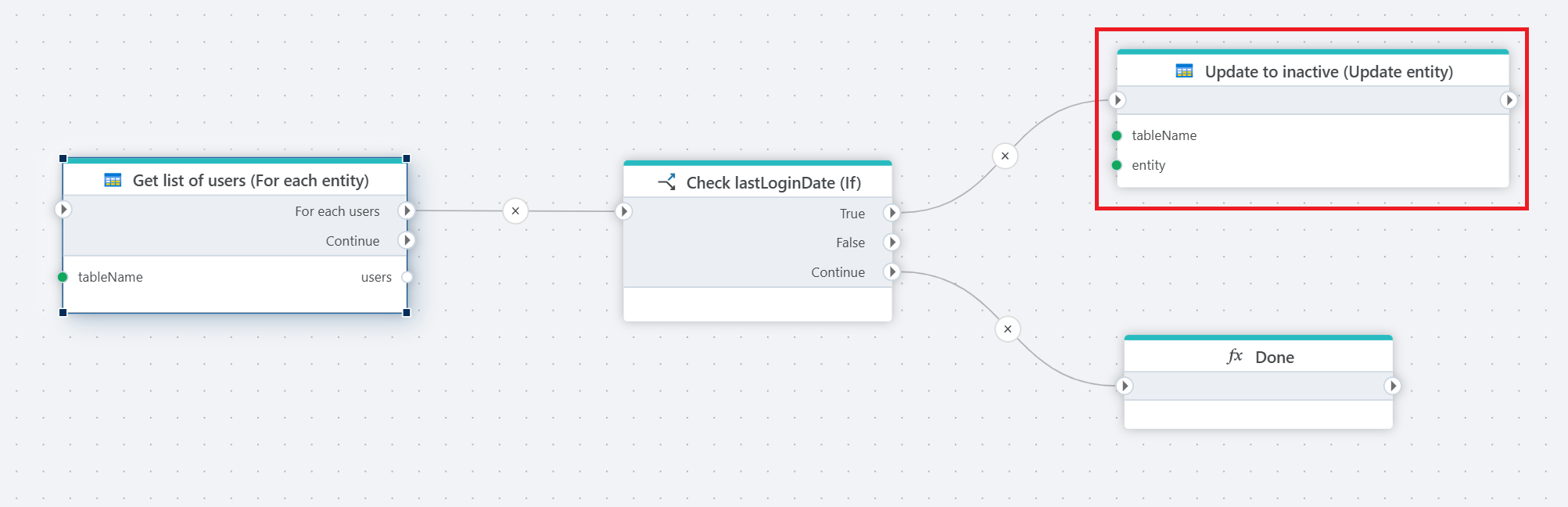
This flow iterates through each employee in an Azure Table, checks if they’ve been inactive for over 30 days based on lastLoginDate, and updates their status to "inactive" if needed. It processes each employee one by one, then ends with a 'Done' step once all are evaluated.
Properties
| Name | Required | Description |
|---|---|---|
| Title | No | The title or name of the command. |
| Connection | Yes | The Azure Table Storage connection. |
| Table name | Yes | The name of the table where the entity is stored. |
| Entity | Yes | The entity to update. |
| Properties update mode | No | Specifies how properties are updated (e.g., Merge - Update provided, keep others). |
| PartitionKey type | No | Specify how the PartitionKey is determined (e.g., use an entity property). |
| PartitionKey property | No | Define the property name used for the PartitionKey (if applicable). |
| PartitionKey value | No | Define the value of the PartitionKey (if applicable). |
| RowKey property | No | Define the property name used for the RowKey (if applicable). |
| Overwrite existing | No | A boolean option to specify whether to overwrite an existing entity with the same keys (true/false). |
Properties update mode

- Merge - Update provided, keep others
Updates only the provided properties of the entity while retaining any properties that are not included in the update. This option is selected in the screenshot.
- Replace - Update provided, delete others
Replaces the entity's properties entirely with the provided properties, removing any properties not included in the update.
PartitionKey type
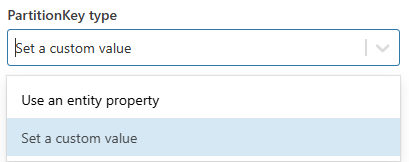
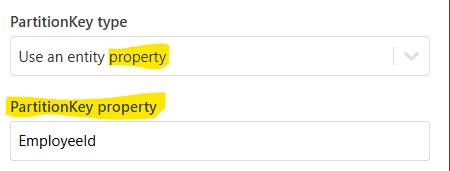
- Use an entity property – This option allows the PartitionKey to be based on a property from the entity. “PartitionKey property” will be applicable if the “PartitionKey type” is set to “Use a custom entity property”.
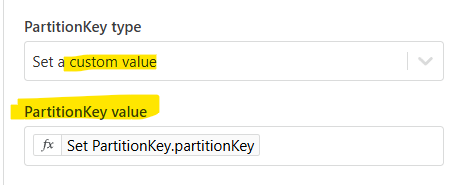
- Set a custom value – This option lets you define a custom value for the PartitionKey. “PartitionKey value” will be applicable if the “PartitionKey type” is set to “Use a custom value”.