Hypergene InVision
For business processes that doesn't fit in a standard system.
Hypergene InVision is a low-code platform for building adaptable business applications on a modern technology stack. Users can leverage standard components to develop user interfaces and back-end services, significantly reducing both cost and time when implementing projects.
Applications are built using the InVision Designer and published as web applications within your organization — requiring minimal or no training to operate.
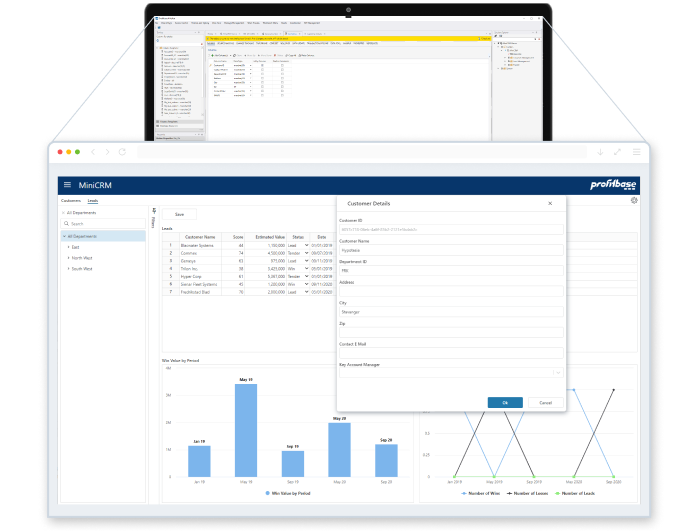
Demo
Build a simple sales forecast application using InVision and Flow:
Quick links
Key concepts
Solutions
A Solution contains all data and configuration for your application: business logic, data stores, workbooks, worksheets, data flows, workflows, and more.
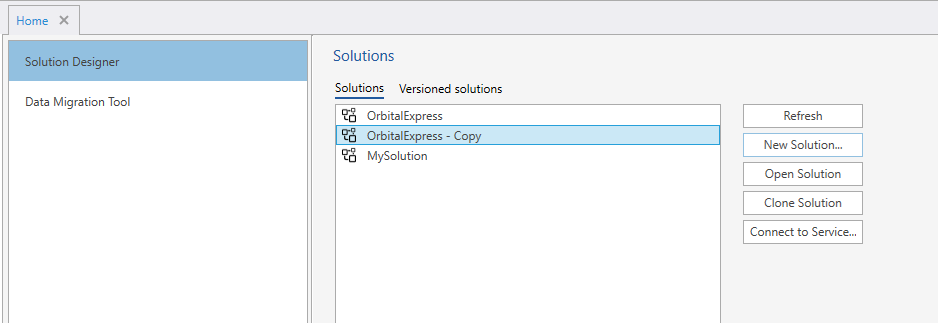
You can clone entire Solutions from the Designer start page. Cloning copies input data, permissions, and Data Flow schedules from the source.
Note
Objects in cloned Solutions are not automatically added to the Data Pool after cloning. They will be added if the Data Pool Compound View is rebuilt. To prevent this, edit the cloned Solution and remove the Data Pool configuration from objects you don't want included.
When creating a new Solution, you must specify whether it should provide contents to Work Process blueprints. This is required upfront to avoid forgetting to set this property after deploying a Package.
Designer
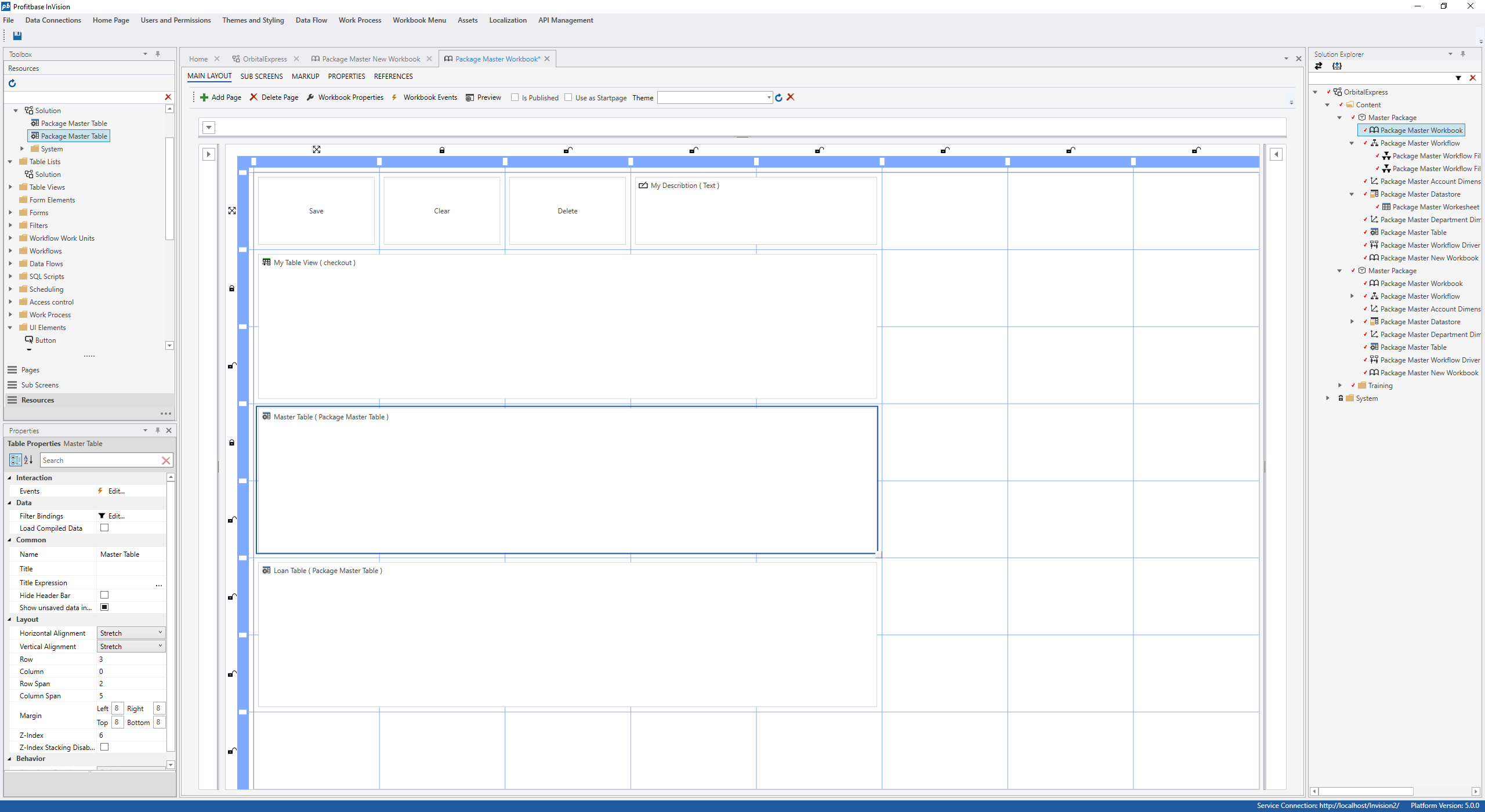
The Designer is the development tool for creating and modifying Solutions. It is a desktop application that you download locally to your PC or server.
Workbooks
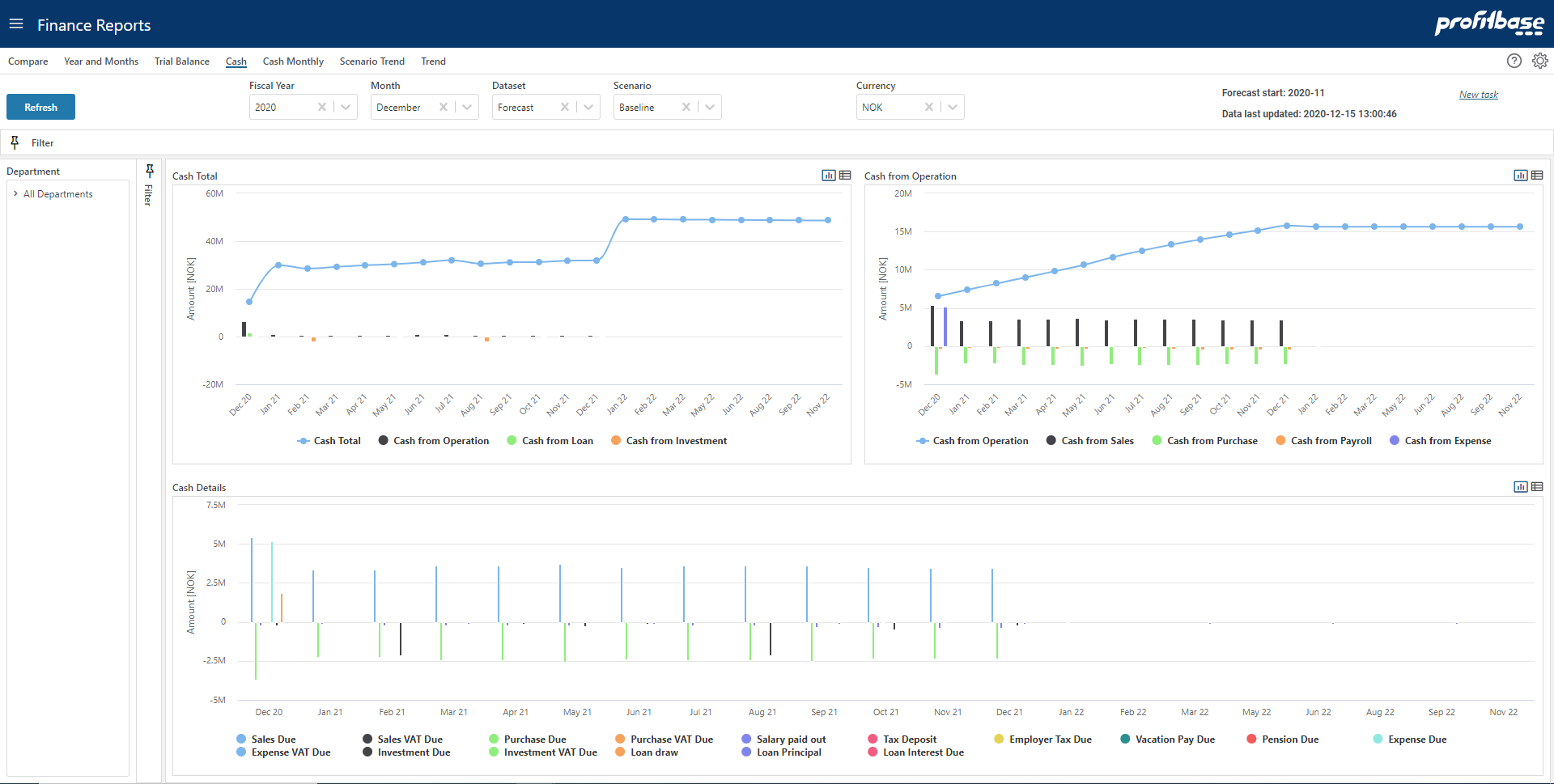
Workbooks are the user-facing interfaces for applications built on the InVision platform.
Integration
InVision integrates with other business systems through REST APIs or direct connection to SQL data storage. Pre-built modules can be installed in minutes and customized to meet specific business requirements.