Exclude dimension items
Overview
This page allows you to exclude certain dimension members from being available for end-users when using this model.
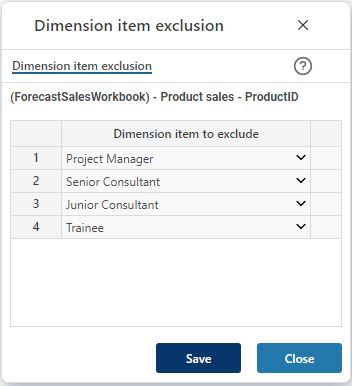
The dimensions are shared between models. If a dimension drop-down list of a certain model should not display a certain member, it can be excluded for that model adding it to the list of excluded dimension members. Add new rows, by hovering the mouse over the data area, perform a mouse right-click and select one of the "Insert new row.." options.
Add dimension members to excluded and click the “Save” button.
Click "Close" to close the dialogue.